Bookmarking & browsers

At the meeting yesterday someone, I believe it could have been John, asked how you could move bookmarks from one browser to another. It’s a good question, and I’ll try and answer it below, but perhaps an alternative answer is even better and that’s what this post will also address. But first, exporting and importing bookmarks for the common browsers.

However Microsoft has been changing it’s browsers quite a bit over the past couple of years. Internet Explorer was phased out for a bespoke re-write which was called Edge; this in turn was then completely re-engineered to use the same Chromium platform as Google Chrome, Brave and others, which was called NEW Edge. Confusing eh!?

Internet Explorerread this article [Internet Explorer 11 was the default browser for Windows 10, but you may find that it’s been replaced in one of its automatic upgrades by Edge]. For all older versions of Internet Explorer including ones for versions of Windows older than Windows 10 – you might like to look at this article.

Edge – if you’ve got the NEW Edge browser rather than the old legacy EDGE version (which should still be on your machine, as should Internet Explorer 11, if you’re running Windows 10) – this is probably the easiest way of exporting your bookmarks/favourites from a Microsoft browser. Alternatively you should look to see how you can run Internet Explorer if you’ve got the OLD Edge installed on Windows 10. Then you could use the notes above for Exporting from Internet Explorer. Alternatively upgrade either of them to NEW Edge and use the first link in this paragraph to export your Favourites. Simples!

Note: Exported Microsoft Favourites (Bookmarks) are stored as .htm (HTML) files.

If you’re using Brave this article explains how you can Import and Export Bookmarks.

There must be a better way, and there is! You could use a third-party application such as Evernote, which can not only store Bookmarks, but also whole articles through the installation of a Browser Extension which allows you to “clip” content to a “note” in your Evernote datastore held in the cloud. Evernote has long been a favourite piece of software of mine and I pay an annual subscription to get an extended service from it, but there is a really good free version which you can use to trial it and see if you like it. The screen shot shows that you can save the whole article, or just part of it. [One great feature is that it only saves the article, not the additional content, sidebars, panels, etc which often hold ads.]

Alternatively, you could use a Bookmark Manager such as diigo. Again this sits as an extension in your Browser and every time you want to save the link to a website, you click on the diigo extension, and perhaps add some tags to help you find the site at a later date …

… and after pressing Save Bookmark, it saves the page with a brief excerpt …

Finally there’s Pocket which combines bookmarking with a facility for offline reading of webpages. This used to be a great feature when trains didn’t have good WiFi and you could catch-up on your reading, but it’s still a very useful way of storing web content for reading away from the Internet and it’s the way I store all articles that I come across that I’m going to use in Computer Group meetings. Again, you can install a browser extension for all the major browsers that makes it very easy just to click on a webpage and it’s immediately saved and synchronised to any device that has Pocket running on it.

Looking at the bar in the browser above (Brave) you can see icons for LastPass, Pocket, Feedly, diigo, Evernote, AdBlock Plus, GoFullPage (full page screen shot), Push to Kindle, and Flipboard plus the extension to open the Extensions Library. Of course the screen shots for an Android or iOS device would be different; these are just taken from a browser running on a desktop or laptop.

Extensions are really neat, BUT only install ones from the Extensions Library of your Browser. Generally Chrome Extensions will work in Brave. That’s probably a topic for another post at some later date.

Notes from Zoom meeting – 24th September 2020

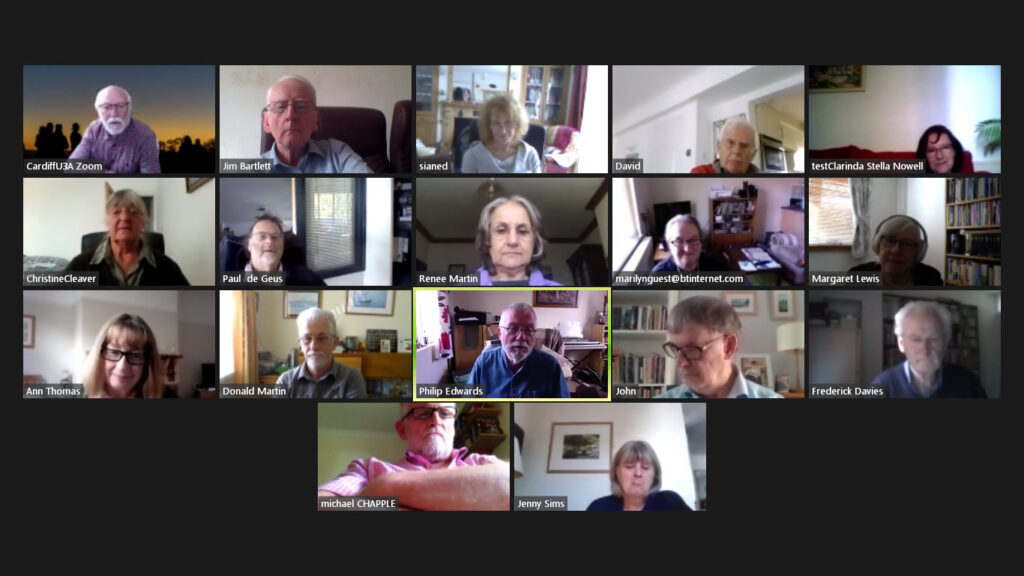
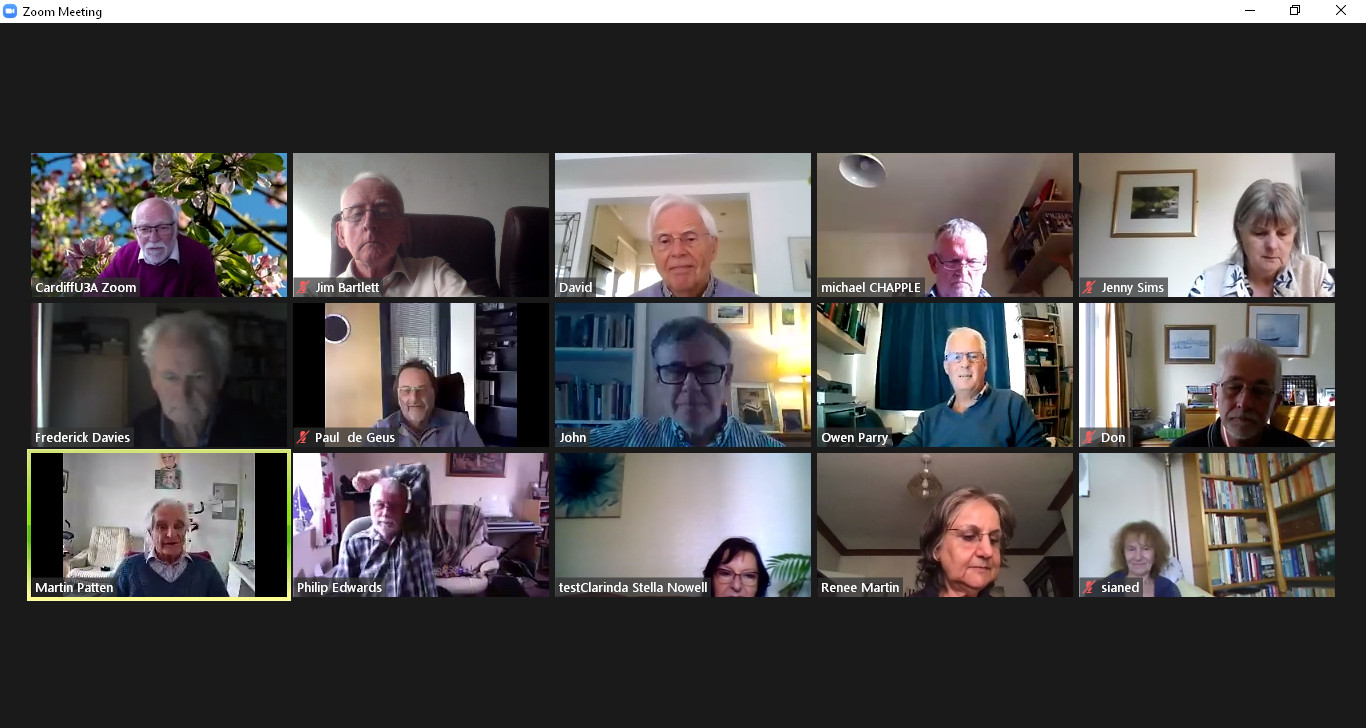
Thanks Jim for the visual reminder of who was Zooming

We had apologies from Sianed and Owen.

I decided I ought to sit down immediately after the meeting to write up some notes this time. The first part of the meeting focussed on the NHS Covid-19 App which is the subject of a separate post. I’ll keep that updated as the days and weeks roll by, but please also make comments in the Covid-19 Forum, I’ve created a Topic for the app there as well.

As well as showing Forums and Topics (which I hope you will grow in time to use more than WhatsApp) I showed the Flipboard magazine for Thought grazing in which I’ll post articles for the fortnight prior to a meeting as the recent Computing/IT/Digital News. There’s a link to it on the Home page of the site too. I also enquired who used twitter as I had created a @thoughtgrazing account some time ago. Only four of you used twitter (and only occasionally at that), so I decided not to put any more effort for the moment into promoting, or using, that social media platform. It was noted that at times of crisis that twitter was probably the best means of finding out what was going on.

I took the opportunity of leading-off with what I’ve been up to since the last meeting, highlighting a really useful piece of software to scan for duplicate photos – PhotoSweeper (which cost me £9.99 form the Apple Store). I thought it was available for Windows PCs as well, but apparently not. The other piece of software I found when I came to wanting to share an old blog post with someone and found that the link to an embedded map no longer worked, was an upgrade to the OS OpenSpace Maps Plugin for WordPress websites which is now even better. This new Plugin (and the output from it) is called OS DataHub Maps and links to it are included in the first of the above relevant links.

So we moved to participants.

David was unconsolable that his phone didn’t appear to be able to take the NHS app and wanted advice on where to buy a no-contract smartphone. From the advice that was given – Carphone Warehouse, Argos, Amazon (used), Tesco – it was generally felt that Tesco (Western Avenue) would be a good starting point as they had a specialist desk to help people buying phones. He also praised the response he’d had from Public Health Wales on an enquiry about Covid and Indoor Bowls, and also the Vale of Glamorgan on the help and documents they’d provided on the subject of Public Space Protection Orders which he was progressing due to anti-social behaviour on The Esplanade at Penarth.

Mike was interested in the Covid app, which his wife installed whilst I was talking about it; Stella had a bad throat and couldn’t talk, and Marilyn had nothing to mention apart from reminding me about Tripod advice – which I’ve now given her!

Christine reported that she now had a fully-functional Cello TV connected to the Internet so she could partner her husband playing online bridge. Success. Paul reported he’d just purchased a similar TV for his garage – and Android TV – which was seemingly very easy to set up and connect to his other devices. She had to buy a wireless mouse (Bluetooth) to make it work as a computer though.

Fred was very concerned about the way that Zoom was not being used in Care Homes to bring residents and families closer together during these difficult time. He was going to pursue the matter through his policy connections, and I suggested that perhaps we ought to raise it with Owen as an issue U3A might like to raise nationally, or make a representation to a suitable body. Phil recommended the Amazon Echo Show device as an inexpensive device that would suit this purpose well. Don related that Liverpool FC had purchased iPads for all the Care Homes in their area (presumably not the Blue part of Liverpool).

Jim had been having troubles with his mobile broadband router and it looked now that being on the edge of a wireless zone (for Three) and maintenance work going on currently together might be the reason for the drop in bandwidth. The purchase of an antennae had don nothing to help, and keeping his window open was not going to be an all-the-year solution!

Margaret related her experience of online retail which had resulted in her being unable to route the gift that she’d wanted to send to her daughter but which she discovered too late (more than 30mins) she’d directed to her home house. Paul felt that District Selling Act should allow you to return any goods within 7 days – I’m not able to comment upon whether this does apply in this case, or not, as the mistake was being made by the purchaser, not the retailer and presumably the 30mins is the time from order to dispatch.

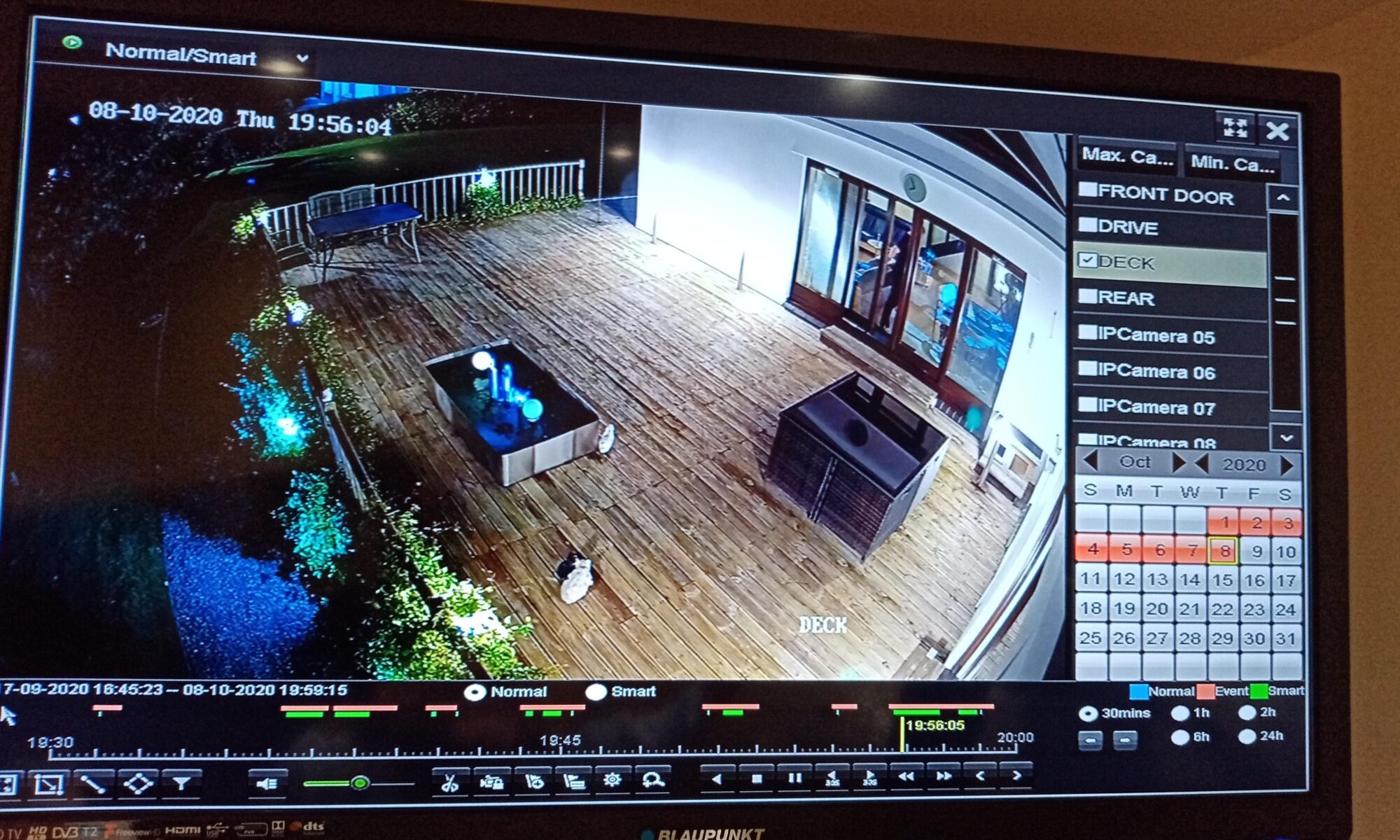
Don had experienced a recent PayPal scam, and had subscribed to the Which? Scam Alert Service. He was also considering how the images from his garden wildlife camera could be viewed on a computer. I offered to help if he was experiencing any problems which might involve AVI to MPEG conversion – perhaps using Handbrake, and also capturing a JPEG image from a movie.

Renee had been experiencing outages from VirginMedia; she’d had a reasonable response from the Support desk when she complained about the increase of £20 in her bill. The Retentions department gave her a re-worked cost £1 less than she was paying now. It pays to complain.

John enquired how to reverse the Gmail forwarding he’d implemented for his and his wife’s Gmail accounts – I pointed him towards the Settings > Forwarding options where he should be able to disable the feature.

Phil told about his discovery of Musescore which will enable him to read the music he needs to be able to play his newly found “love” his bassoon that much better as it can print scores larger. He also commended the use of Google Docs as a suite of applications which you can use to store and edit documents on any device, in the cloud.

Covid-19 NHS Tracing App

I will add more detail later, but just wanted to create this for the meeting later today.

The long-awaited app is launched today (24th September).

It’s a really positive step forward I feel, even though there’s the inevitable doom and gloom merchants already slating it.

What is really a sad state of affairs (and here I stray into political waters – dangerous, I know) is that the Track and Trace (outside Wales, where we have tried to do things much more locally and involved local Public Health experts from an early stage much more) is that it does appear to be putting the cart before the horse. The app should have been in place before they allowed the pubs/hospitality outlets to be opened. It should have been made mandatory. You shouldn’t have been able to enter unless you scanned yourself in (or failing that supplied a verifiable name and address. Mini-rant over!

So it’s available on iOS devices from the iPhone 6s onwards, and Android devices from 2017 (Android 6) onwards. You download it from the appropriate app store.

This is how it works …

I’ll get back on to this following the meeting. Please post Comments, or ask Questions below, or raise a Topic in the Covid-19 Forum.

How does it work? This article from Wired UK provides a comprehensive explanation.

The BBC’s explanation of how it works (as an infographic).

Screenshots from installing the app on my iPhone 6s

The app is highlighted on the App store (at least for Apple) today …

… download and install, and start the app …

You will be asked a couple of questions, including an age enquiry …

… and then a Privacy section, which is actually very good and worth reading. The developers have done all they can to make you aware of what the app does, and how it protects your privacy.

So if you click on the Privacy link you will be taken to the UK Government website that gives you more information, after first informing you that it uses cookies …

You might like to click through to the Welsh pages to find out more about Local restrictions …

… then you need to supply the first part of your postcode. The developers have acknowledged there’s a weakness in the app currently in that if you move your location, you can’t change it in the app. They are working on a workaround/fix/upgrade. This would apply if you were to go on holiday somewhere else, or if you were a student moving away from your home.

Having done that you’re into the app, it starts scanning and you’re on your part of the Covid-19 Tracing community.

You can see that north Cardiff is at a Medium risk level (as I believe the whole of Cardiff is) …

… and then you have access to the other features of the app, as shown below …

A recent article about the NHS app which addresses possible Security and privacy concerns.

I wondered about creating a QR code for our house

This is how you can do it

… and this is what it looks like …

Notes from Zoom meeting – 10th September 2020

My apologies. My mind must have been a hundred miles away … or I was looking forward to the sunshine that I knew was coming at the beginning of last week. Anyway, I spent a few days in the garden, tidying-up, we had some friends round for “vintage tea”, and we looked after the youngest grandson a couple of times. Thus … I forgot to write up any notes. I can’t even distinctly remember who was in the meeting. I can remember a few apologies, but just in case I forget someone, I won’t even try to list them as I don’t want to offend.

Anyway, we had what I can only describe as a “jolly” meeting, the highlights being Phil’s contribution on his window to the outside world via YouTube and his new magic device, which he’s written up in the Computing and all things Digital Forum. Also the new exchange currency – diabetic cookies – which are now in open circulation for bribery of members. We also offered to help Mario upgrade his laptop which had (shock horror) Windows Vista as its operating system.

The focus of the “technical” part of the meeting – was reminding you about Forums and Topics as well as the gentle reminder about News being posted in Flipboard. I’ll continue to put news items there – that way we get more time to talk and exchange views, and raise issues in the meeting.

If there was anything of great importance that I’ve forgotten – please remind me and I’ll edit these notes. In fact if anyone can remember anything about the meeting – please let me know 🙂

All I can remember is that we had good craic!

See you this Thursday.

Great new Plugin from Ordnance Survey for Mapping Trails

I’ve been using a WordPress Plugin called OS OpenSpace Maps for quite a while that allows the mapping of trails (I use .gpx format to record the trails) onto an OS Map.

This has worked well, but in updating a blog post I came across the information that the Ordnance Survey has produced a new plugin that works with their DataHub Maps service. This is an even better service and if you’re a low-use user, you can upgrade to the Premium level subscription to get 1:25,000 scale maps.

The map can be easily zoomed and can be clicked to take to full screen size.

Here are a couple of links to help you along the way of installing and using the plugin.

The Plugin Page on WordPress – https://wordpress.org/plugins/os-datahub-maps/

Using the OS Maps API (which you have to obtain after creating an account – https://osdatahub.os.uk/docs/wmts/overview

A guide to using the plugin – https://skirridsystems.co.uk/wordpress-plugins/os-datahub-maps/

Really neat!


Mario’s laptop and Vista

On the Computer Group Zoom call today, Mario advised that his Sony Vaio machine was running slow when connected to the Internet and using Firefox.

The immediate suggestion was to clear the browser cache (Internet History and Cookies) but then it became apparent it was running Windows Vista as well.

Should Mario upgrade his laptop to Windows 10? That depends on the spec. of the machine – let us know Mario and perhaps we can give some advice.

Should the machine be upgraded to Linux rather than Windows 10. It might as well be because there’s no similarity between Vista and Windows 10, so there’s a learning curve anyway and Linux will run much quicker on an older machine AND the default browser on Ubuntu Linux is Firefox anyway.

So here’s a topic which anyone can comment upon and give advice and experience. For me, I think the Linux route is worth exploring. I’ve just “upgraded” an old Dell Inspiron laptop running Vista to Linux and it runs much faster than it did using Vista and it would never have taken Windows 10!

Can my phone track my movements? Should I not allow this to happen?

A matter of personal choice.

If you’re using maps or navigation on your phone, it is pretty important to allow your phone to know where you are!!

If you don’t want adverts from a coffee chain, perhaps it’s a good idea to disable location services before you go into a cafe!

Or, if you don’t want anyone to know where you are (???) again perhaps a good idea to disable location services.

You can do this in quite a granular fashion, so you can switch off for the device, for the application on the device, or only when using the application on the device. That’s why it’s quite important to close down an application when you don’t need it, or aren’t using it, because it will continue tracking you after you think you’ve stopped using it!

Of course with the Covid-19 tracing capability Google and Apple have jointly worked upon, this relies on an element of location services to be working, but that’s to determine proximity of individuals and as I understand it, location is not stored on any central server.

Is Libre Office compatible with Microsoft Office?

Yes, to a very high sense it is totally compatible. Only at the most advanced usage with advanced use of macros might there be a problem.

The same is true of OpenOffice but Libre Office has one advantage over OpenOffice in that it can both read and write .docx files – the default format for Microsoft Office. Open Office can only read .docx, but writes out in a slightly different format.

As I recall, LibreOffice can also read .PDF files. We covered this in a Computer Group meeting and without checking I can’t remember that for a fact off the top of my head.