
Boot-up
Renee has asked a question about PDF converters. I’ve attempted to answer part of the question, but have not come up with any answer yet on electronic signatures – any thoughts, anyone? A former colleague has suggested that OpenOffice might provide the solution that Renee requires. I haven’t had the time to test that idea, but if it works – it might mean that this software is a better choice than LibreOffice which we looked at earlier in the year but you’d have to forego the ability to read AND write in Office formats (.docx and .xlsx), I believe.
The other thing I wanted to raise with you was how I was going to decide whether to use Apple Music (rather than Spotify, Google Music, Amazon Music, or whatever). I really haven’t had the time to give it a serious tryout but I can see that there’s some music available that I haven’t seen anywhere else – compilations of live music for an artist, for example – which looks very interesting. So I’ll subscribe for a while, see how the breakup of iTunes this autumn works out and then make a decision about whether £9.99 a month is a worthwhile subscription cost.
There was no interest from my family – I could have added them at an additional cost of £5pm – they’re all Spotify users. I guess that’s the issue. If you’re a user of another service and have set up Playlists, or whatever, and know the interface – why would you change? Me … I’m very slow into digital music. I’ve always wanted to hold the CD, and before that the vinyl/cassette, but as I have no interest in the latter anymore, perhaps it’s also time to ditch the former too!
Whatever I decide to do, I must remember to back-up my iTunes Library and iTunes Media Folder before I do anything – and that includes cancelling my iTunes Match subscription, which I’ve not been totally sure what it gives me, but which I know now is unnecessary if I have Apple Music.
Anything else anyone?
News
Continuing our paranoia theme of the year – ways in which to find out if accounts are linked to your email or phone.
How to avoid fake ads disguised as fake download links.
An unexpected upgrade for old iPhones.
Sound
So this part of the session is a bit of a “digital project”, but one where I have very little expertise, so I’m hoping (praying) for some help from Jim and anyone else who knows something about this area!
The challenge was thrown down by Renee. To paraphrase what she said: “How do I get music off old analog devices” (ie cassette recorders and record decks). I knew I had a a device to help in that – it was just a challenge to find it, to see if it would still work and more importantly whether it would work with current hardware PCs and Macs.
I’m delighted to say I found it (in the same box as my record deck); it appeared to be still working; which was then confirmed when I connected it to both a PC and my Mac running the latest versions of Windows 10, and MacOS (Mojave). So as long as I didn’t want to use the software provided by Creative – which I didn’t – all was ready to go.
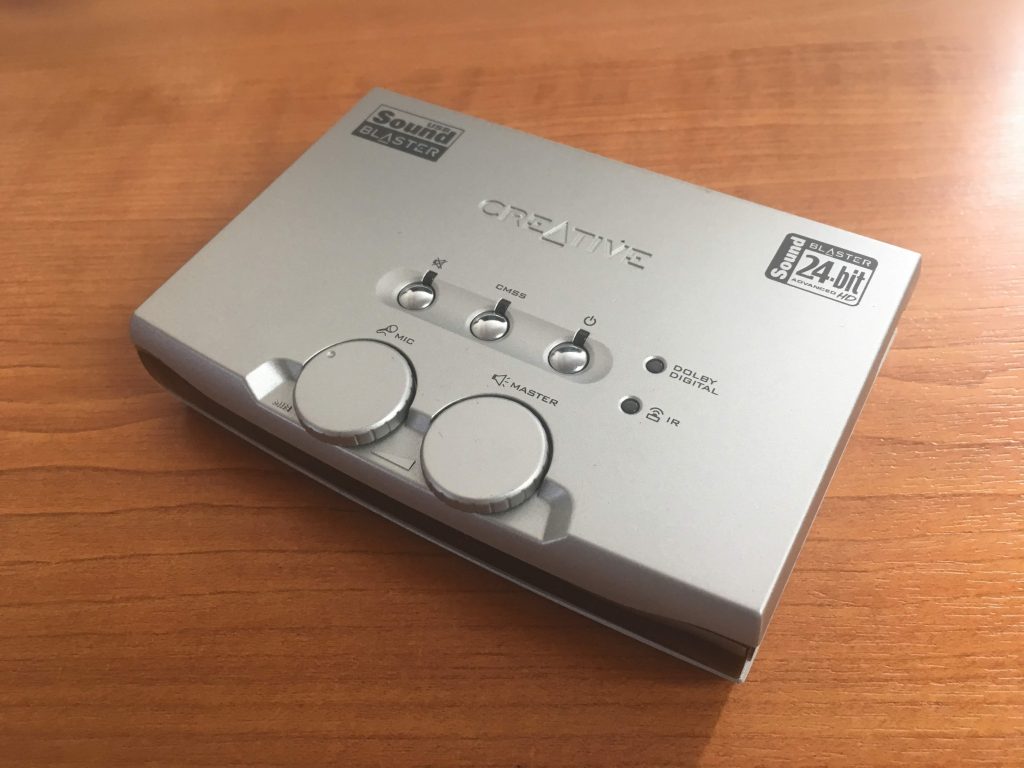
Here’s the Creative SoundBlaster Audigy NX-2 external sound card – to be found in every home … NOT, just in a geeks home, like mine!
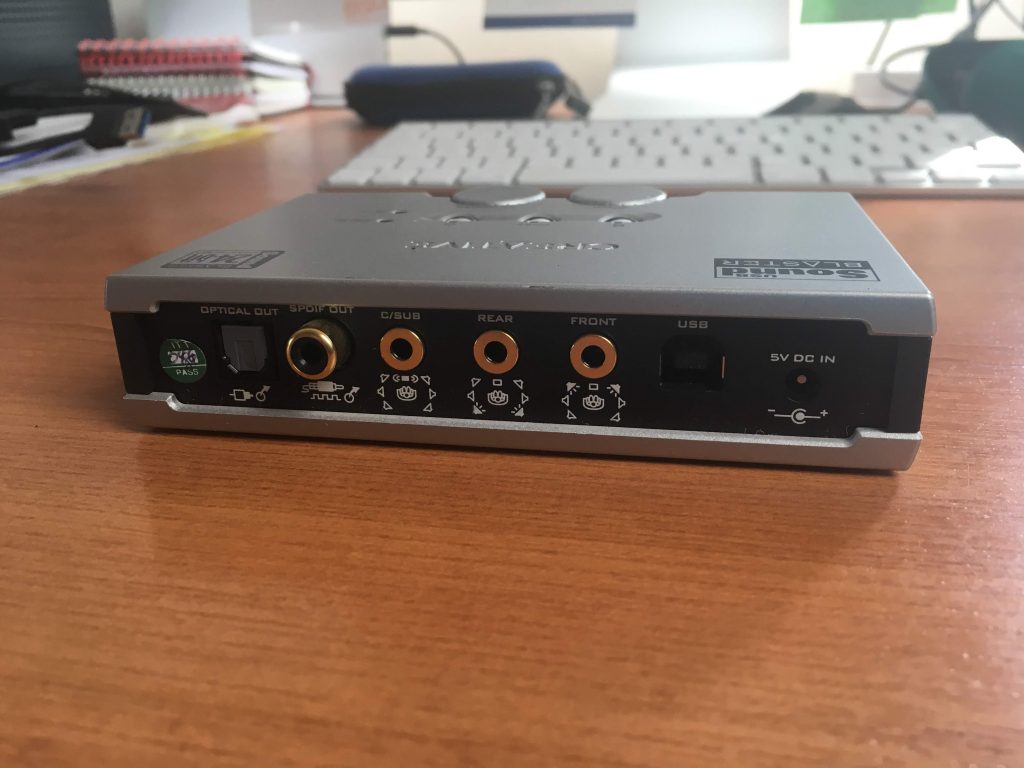
On the back you have a number of ports and the power connection, but most importantly the USB port.
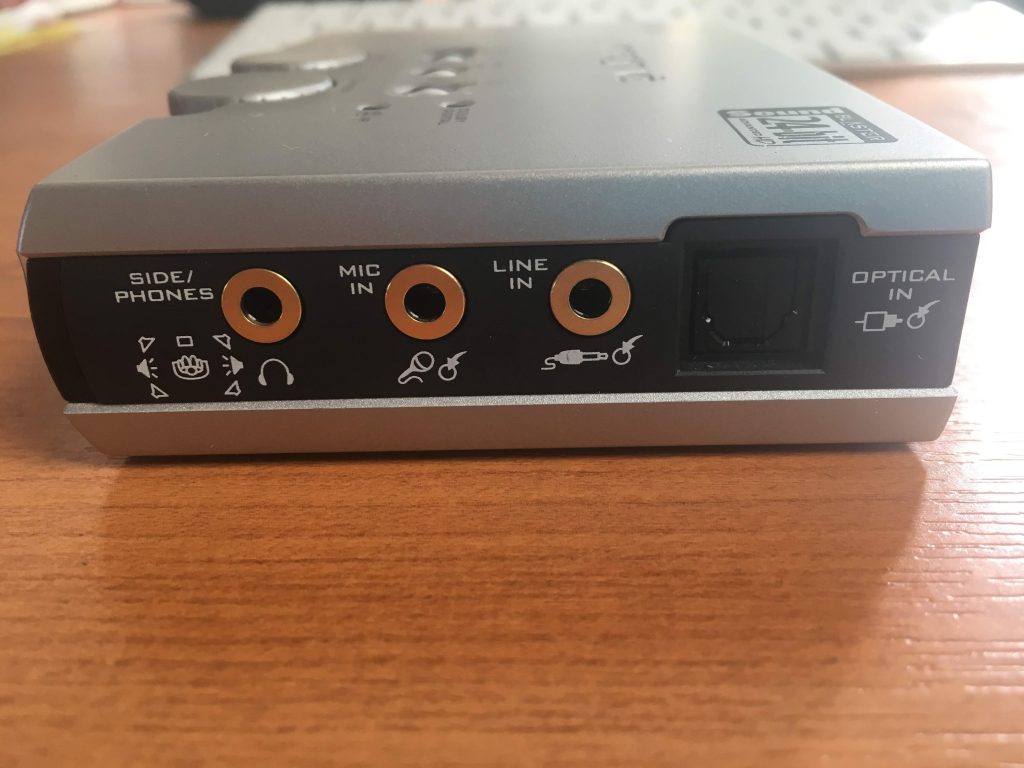
 On the side you have the port I’m going to use for input (Line In) – but you can see also a port for Mic In.
 So having connected the power cable, and the USB cable to the SoundBlaster and the computer, it’s now time to connect the sound source cables. For that you’ll need either a cable like this …
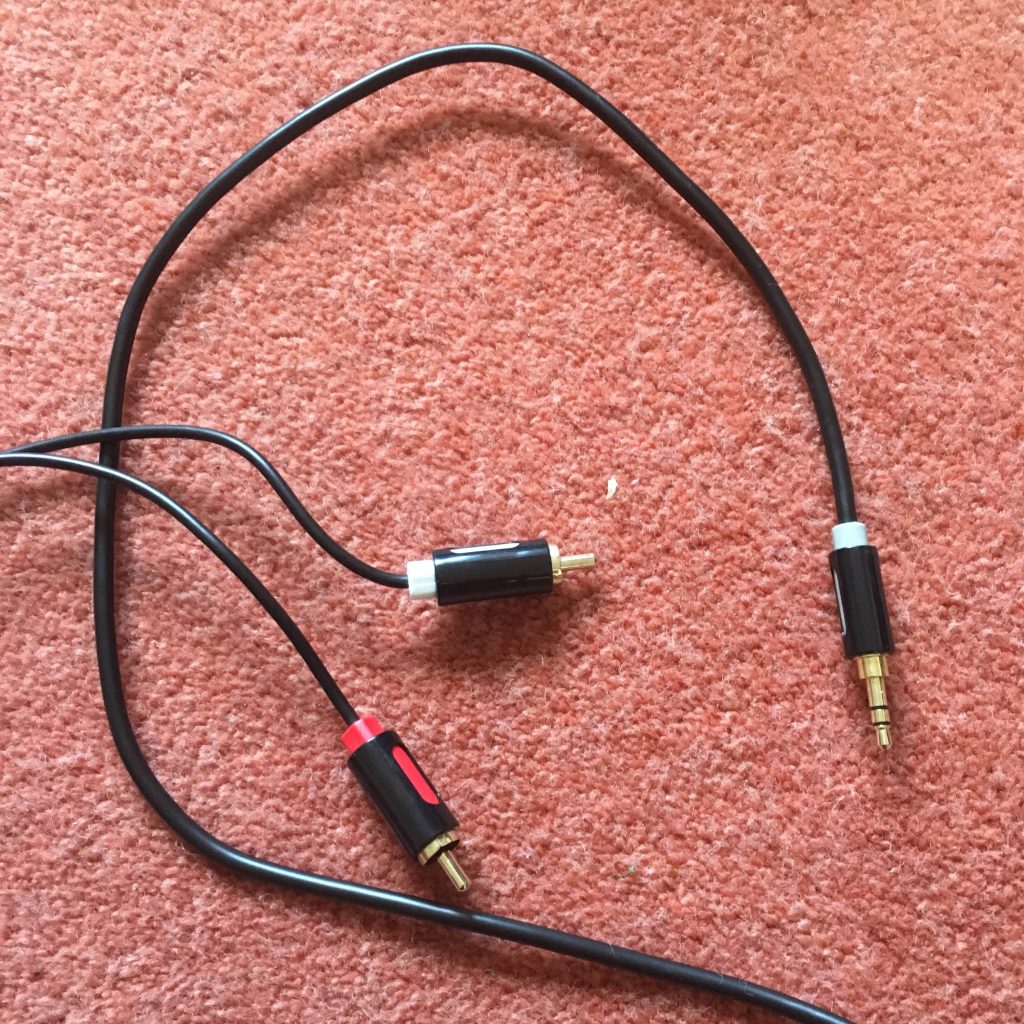

… or have a splitter to join two red and white hifi cables to the Line In …
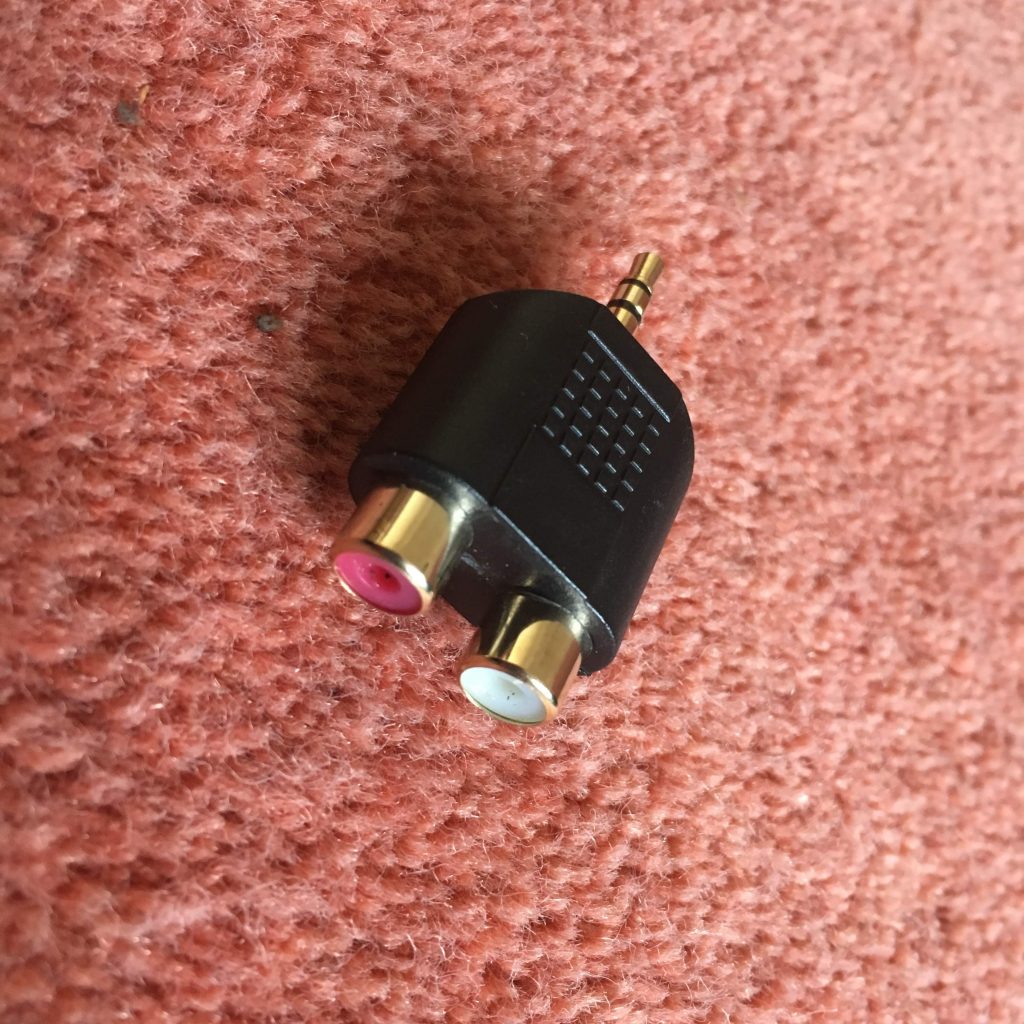

… or in my case for testing only, a cable like this …
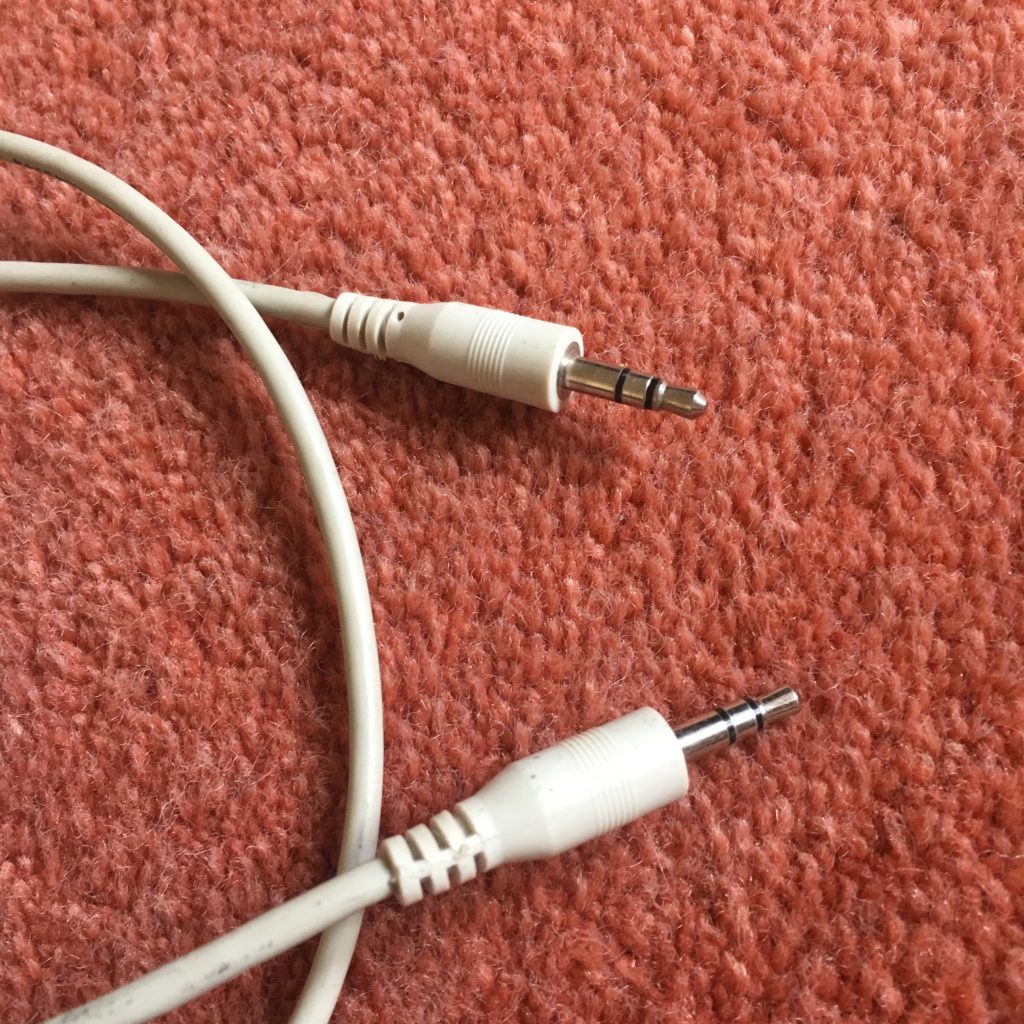

… so that I can connect my iPhone to it! Yes, I know that’s totally pointless as the music on that device is already digital BUT I wasn’t going to lug a cassette deck in today, let alone a record deck! I haven’t tested output from a headphones socket into Line In which would use a similar cable. I can’t see any reason why that wouldn’t work as well. [NB This won’t work with more recent Apple devices than the iPhone 6s which I had at this time, as Apple have discontinued the headphone jack on their devices.]
You might also be able to connect another music device – keyboards or whatever using this method.
There is one caveat if you’re using the red and white cable connectors. You may well (certainly in the case of a record deck) need to take the feed from an amplified source as the sound output is unlikely to be sufficient for the software on the computer to pick-up. So you may need to take the feed from your hifi amplifier rather than the decks. Which neatly leads us to the software we’re going to use. Which is called Audacity …
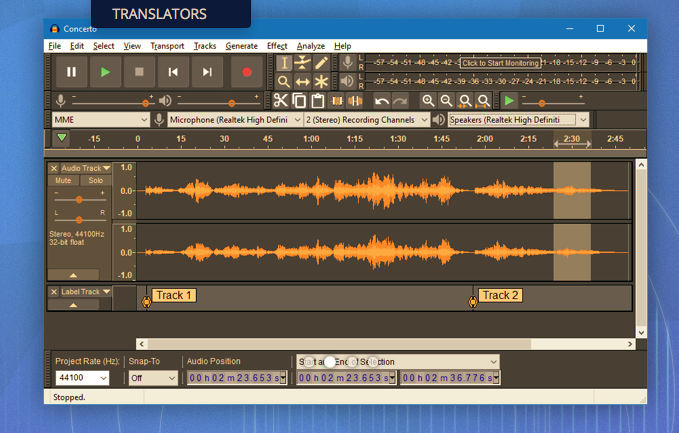
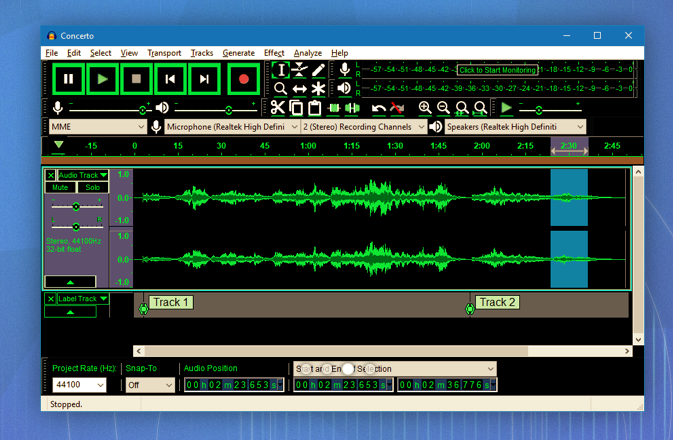
and which can be downloaded from this link. Make sure you choose the right format – Windows or Mac. Below are a couple of screen shots of the software in action, but now (drum roll), I’m going to try another live demo, which I have absolutely no confidence of achieving success, whatsoever!
However, hopefully, Jim will have helped me a bit and it’s not been a complete disaster and it’s good to know that the software is well documented here.
I’ve got a printout of the instructions on how the SoundBlaster card works, and I can make them available if anyone wants to borrow the device and cables.
