We had the pleasure of a presentation on Linux, Raspberry Pi, VPNs, KODI and Geolocation from Dave Williams (our American cousin). Here is the outline of the talk he gave us. I should have recorded it – an oversight!
X86 LINUX
* Define OS
* Interface between the “guts” and apps
* Linux was developed by Linus Torvalds as a college project
* FOSS (free and open source)
* Many distros, I used Red Hat, SUSE in past.
* Ubuntu (Zulu for humanity toward others). Provides a good selection of apps.
* Xubuntu good for older machines
* More secure from malware than windows, I zealously update and I’ve never had a problem
* War stores. No longer so nerd-centric. Apps easy to install with APT and SNAP.
* Unless your name is Harrison don’t dual boot! Install on that old PC in the basement.
* David and Paul dog and pony show
* https://fullcirclemagazine.org/
* https://www.youtube.com/watch?v=D4WyNjt_hbQ
RASPBERRY PI SBC
* Single Board Computer, ARM architecture like phones
* Raspberry Pi is a type of SBC, developed to teach kids to code
* Became popular with computer enthusiasts for projects (eg robotics)
* HTPC limited to two channels
* I use a version of Ubuntu developed for Raspberry Pi
* https://ubuntu.com/download/raspberry-pi
* https://magpi.raspberrypi.com/
VPN
* Virtual Private Network, I use NordVpn
* I always use for bootleg
* Geo Location
* Easiest way is to use as browser extension
* https://www.tomsguide.com/best-picks/best-vpn
KODI
* Can be used to hack media
* Requires add-ons
* Real Debrid to access restricted media $17 USD 180 days
* Watch in real time or download
* Security concern with Raspberry Pi
* https://troypoint.com/best-kodi-addons/
Geolocate
* Requires VPN, easily applied through browser extensions
* CBC (Canada)
* SBS on demand (Australia)
* I suggest creating a ‘throwaway” email address
* create an account
* log in
The talk led to a lively discussion with many interruptions from yours truly. We then were able to examine the Raspberry Pi that Dave had brought with him, and the three machines running Linux (Ubuntu) that Phil and I had brought along. Two of my machines were “new” in 2008, one of which has still a functioning battery. That’s quite some achievement for a laptop and to see them running up-to-date software – eg LibreOffice, Firefox, Brave and Thunderbird is testament to the usefulness in prolonging the life of old machines. One of my laptops was running Windows XP in dual-boot mode – again an indication that if you’re careful with your internet activity, old machines are not necessarily redundant.
Here’s a video that explains what a Virtual Private Network does. I use NordVPN, but I must remember to switch it off when in the house as it’s quite unnecessary behind my router. It is useful when travelling however, and some might say essential when cruising.
The second half is a bit techie and can be skipped if all you want to do is understand what it does and how it can be used.
Swinging in to early action after yesterday, I started the meeting with updates and news.
I asked if there were any questions follow-up to the Snapseed / Google Photos session and post – there are links in this to earlier posts on Google Photos and it’s my intention to check and update these (if necessary) as soon as possible. Ian raised an issue at this point about whether you can use Snapseed without the photos being on Google Photos. I hope I clarified that Snapseed is really only a smart device app, that it was possible to load it onto Windows and MacOS, but I wasn’t advocating it. If you’ve got an Android device, you will be editing an image already in Google Photos on your device – it may as well be sync’d to photos.google.com as well (I can’t check that). If you’ve got an iOS/iPadOS device you can load an image from the Apple Photos app (iOS) into Snapseed and then after edits – Export to Google Drive. The same is true for iPadOS. You can then from photos.google.com on your laptop/desktop Import photos from Google Drive into Google Photos which will then be viewable in the app on your device..
On a separate question Ian asked whether Google Photos and Apple Photos have duplicate images on an iPhone. I was pretty sure (and have just checked) that if you go into the Google Photos app and go to delete images, that the ones that will be deleted will be ones that are on iCloud (ie they are in Apple Photos). Google Photos on iOS only stores cached images from Google cloud storage. What is more if you look at Google Photos on your iOS AND iPadOS device (if you have both, and they have identical backup settings for Google Photos), the contents of Google Photos will be different, whilst those for Apple Photos will be the same. Thus I can say conclusively that they are not duplicated. The amount of storage used by Google Photos on your iOS/iPadOS device can be limited as is shown in these screenshots …
[NB I don’t advocate this as a method of deleting images from Apple iCloud storage]
… the images that will appear in the Google Photos app will be the ones in Apple Photos on your device. They will not be in Google cloud storage unless you a) have chosen to manually upload them (see above), or b) have switched-on back-up and sync – which for Apple users I don’t recommend as you’ll then have two copies of the image on both Google cloud storage and iCloud. I hope this clarifies things, you might also find this link of interest.
I then talked about the re-structuring of Forums and Topics on the website and showed where I’d put “The apps I use …”. I invited members to add apps they were interested in under the most appropriate Topic or Category within a Topic. I added that I would move contributions around if necessary, so no one should feel intimidated about adding their favourite app (or URL). I highlighted the recent Topic on VPNs in the Network issues > Internet security Forum.
Using the opportunity to discover further the resources on the website, I showed the Guides menu page, and displayed the PDF documents available on the page from BDM Publications. These are to be thought of as “try before you buy” only and I would refer you to the new publisher – Papercut Publications – to see the complete range of paper-based guides that you can buy.
Then I quickly ran through the latest additions to our Flipboard magazine, curated by Jonathan, Paul and myself. I highlighted the growth in interest in AI and ChatGPT in particular and indicated that I was going to use this as the basis for the next meeting, with the use of Passkeys and 2FA being handled in the following presentation-style meeting on 27th April. I did dwell upon the graphical representation of Pink Floyd’s most frequently paid songs, and that sparked some lively discussion.
Finally, in my “introduction” I requested members to look at the page for the Computer Group on the Cardiff U3A website and make suggestions as to changes and additions that could be made – Jim suggested adding some of the photos that he’d taken, which I’ll certainly take on board. I also reminded members of the deadline for reduced membership subscription (March 28th). This created quite a lot of discussion about the payment method and the interface with PayPal. Ted requested that anyone having difficulties could help the Committee by taking screen shots. I referred members to this page that Jim had posted on how to take screen prints. We also quickly looked at the notes from the last meeting and were pleased to record that Anne had resolved her problem with VirginMedia whereby Prime Video was not linking to her Panasonic TV – pressing Yes, when it should be No, is not intuitive, is it?
Matters raised by members followed.
John S commented that he was encountering more and more bad website design – we concurred with that; he was also having problem with streaming services fro Sky. This I felt (unlike the advice I’d given to John M at the previous meeting about buffering) was due to contention for shared bandwidth from the ISP. All you can do is to take repeated Speedtest readings (preferably from a laptop connected by ethernet cable to the router) at different times of the day to see just how much the speed falls from the contracted level they should be attempting to deliver. It will be rare that they can reliably offer what is declared to be a maximum, all the time, but the counterpoint is that they should be close to delivering that speed in non-peak times. It’s a matter for the ISP to resolve; not one to be passed onto OpenReach to raise a query.
Kate was delighted to be able to report that she’d done a seamless transfer of everything from an old iPhone to a new one. A good news story which I can support from my recent migration as well. Very easy and painless.
Don reported a strange problem with his printer which seemed not to be working from a cable (ethernet) connection after Win11 upgrade but which was working from WiFi (and his phone). I suggested that upgrading the Printer Driver might be a solution, but it’s difficult to diagnose remotely.
Ted requested (as mentioned above) that anyone having PayPal/U3A/subscription issues should try and take a screenshot and send it to him (or me, to send on to him).
John M asked what was incognito mode in a browser and how to get out of it. I said that was a very good question and would research and report back in the Forums.
Ralph had had a problem loading Google weather, but had solved it by stopping the download which had appeared to freeze (sic), and then re-starting it. I said I’d often experienced a similar occurrence when downloading from “live sites” – sites that were constantly changing, ones getting information from databases – and I usually just closed the Tab and then re-opened a new tab. This would clear the cache and start from scratch.
Anne was continuing her journey of discovery with Win11 (a not too pleasurable experience it would appear) and questioned where mail identified as Junk was going to, as it didn’t appear to be moving out of her Inbox. Jim felt this was probably a mail client issue, rather than Win11, but no one was able to definitively come up with an answer.
And with that rather unsatisfactory answer the meeting closed.
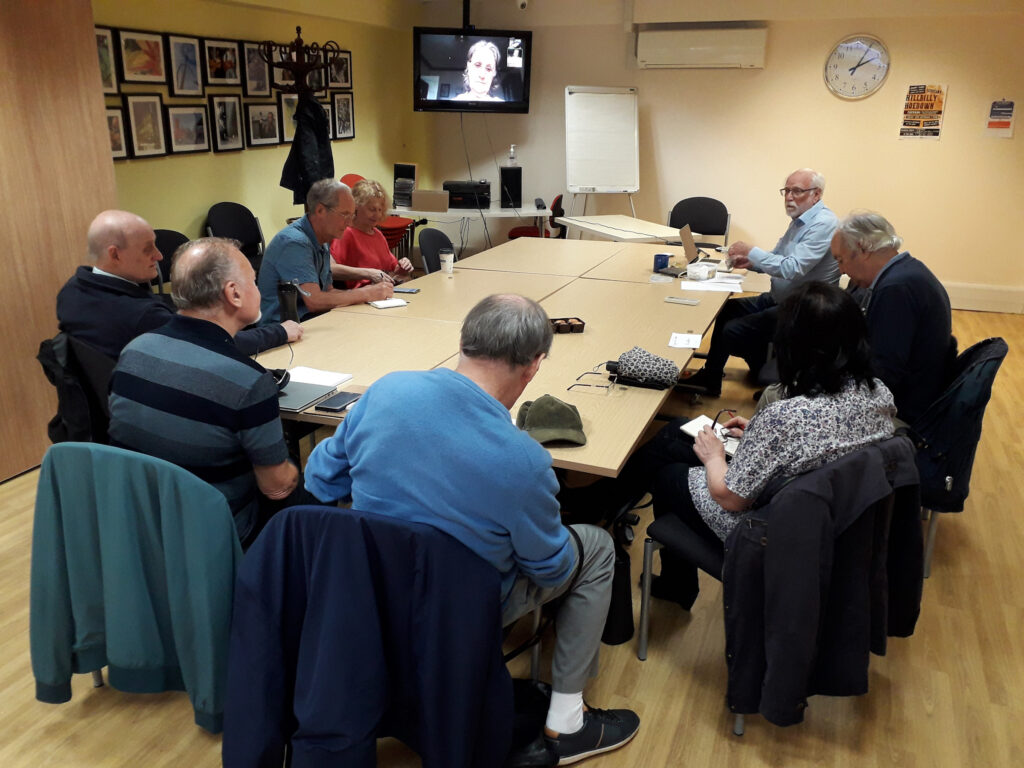
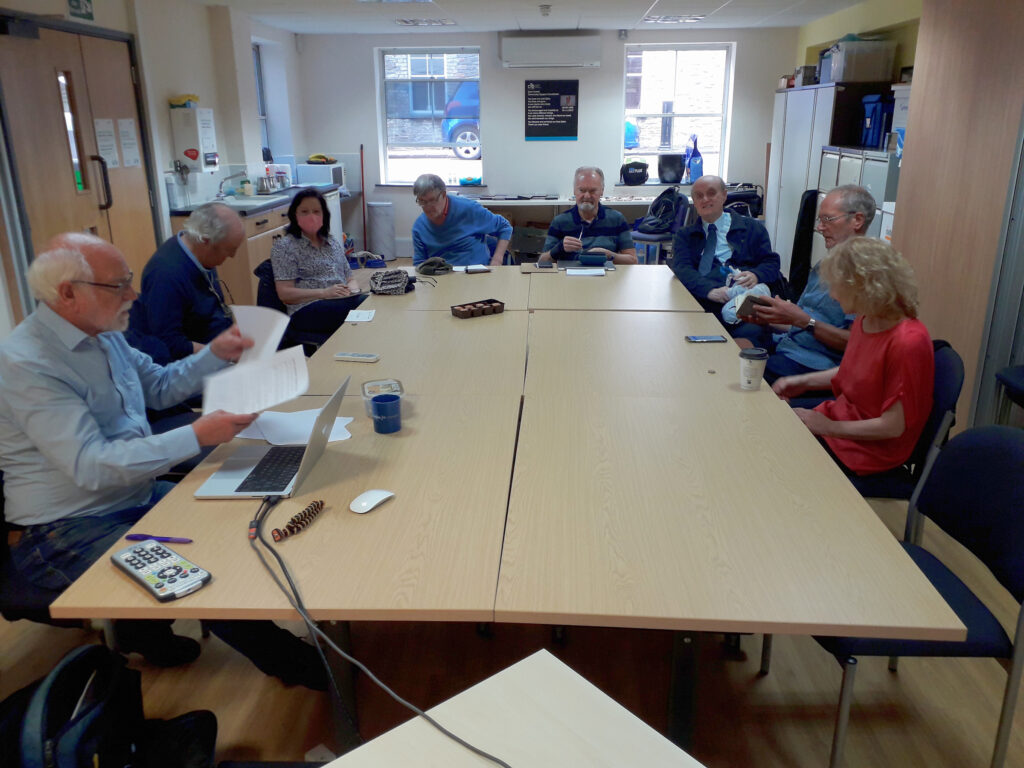
Back (almost) to normality. Thanks Jim for the two shots that show how we set up the room for the meeting, with quite a lot of room unused, both towards the windows, and behind the people sat at the tables.
We welcomed Tony Baines to his first meeting and noted the “virtual” presence of David Hughes, Renee, Jenny and latterly Fred. Paul would also have been with us on Zoom but for Dolly breaking her arm and being in A&E – we wished her well. Apologies were received from Mike Payne, Mike Chapple, Sally Semlow, Margaret Lewis, Ann, Christine and Don.
I started the meeting by describing the trials and tribulations of trying to get URC to install 4G Mobile WiFi which would if it had been installed, meant that we might well have stayed in the Upper Room. However I pointed to the tea and coffee offered to us at Sight Life as an additional bonus to the good WiFi we would now be take advantage of. This will be our home until Christmas at least and we look to having a full room after the “Meet the Groups” event on October 11th. I asked if anyone would be willing to assist on the Computer Group desk and after the meeting John, Jonathan and Sianed volunteered. Thanks.
I suggested that we did the “issues and updates” first because I had such a lot of “news” – all posted on Flipboard since our last meeting. I also noted that it was a bit Apple-centric (as usual, some might say) and wondered whether any member might like to offer a different and wider perspective. Jonathan volunteered to take a look at Microsoft/Windows news. I committed to helping setting up a workflow to help him. So … what were the “issues and updates”?
Jonathan had a real issue with his laptop (having dropped it). He was using his wife’s for the moment and Neil is currently trying to source a replacement screen for him. He expects it to cost £180 which just about makes it an economic proposition for a four-year old laptop. In addition he’d been having difficulties (prior to the accident) with Lightroom and I had been trying to assist him with that. Otherwise his grandson was providing tuition device _ something I think we can all say “yep! That sounds about it.”
Ralph had done quite a large hardware swap out and was now concentrating on getting more out of his new phone. I commented, and others agreed, that there were a lot of features on the iPhone I was not making use of, and didn’t know how to use. I suggested that we might have an in depth session on using iOS and Android mobiles as soon as possible. Ralph commented that we used to expect a standardised interface, but that it now allowed so much more personalisation. That’s great for those who are open to change, but perhaps that’s not so readily possible for those of us third agers! Sianed made a comment about Siri not recognising her voice. We offered the possibly light-hearted suggestion that she tried speaking in Welsh. We await the report back!
Tony had (at the beginning of the meeting) given us a brief insight to his use of IT and then presented us with a problem of Word maximising on his screen (when he didn’t want it to). We all offered solutions, but in the end he found the solution himself!! He also re-enforced the suggestion to learn more about what he could do with his phone. Noted! He then described a problem he was having with the VPN installed as part of his MacAfee security suite. He asked whether it was needed. That led to a discussion on the use of VPNs, whether they were necessary or not. I expressed the view that even though I’d purchased a copy of the NordNet VPN, I was of the opinion it wasn’t really necessary for our type of use. It obviously was of value to have installed on your mobile device(s), but not really on your desktop. Even then, if you didn’t do more than web browsing and email when out’n’about, it probably wasn’t needed. It was however commented that one value of a VPN was to “spoof” your location by choosing a VPN server in a different country. You can then, for instance, view iPlayer and UK-TV when in Australia! We then had a discussion on how to uninstall MacAfee (or Norton, or Kasperski security suites) as they all seemed to leave “stuff” behind after the uninstall. I followed this up with some suggestions to members on what to do in emails. [We possibly need to cover this in a meeting as well.] Finally Tony raised an issue on the use of organising his Gmail. Members suggested a number of options, including labelling. I offered the suggestion that archiving everything and starting from scratch using Folders might be the best idea.
John had a “flash new iPhone” that he was coming to grips with. He also expressed his views on Edge, he didn’t like it. We reminded him that there were plenty of alternatives, and for Tony’s benefit I mentioned that I’d done a review of browsers and search engines at the end of the last session.
Stella had installed Windows 11 and all was well so far. She told us about Lebara (a Vodafone 4G service) currently available for 1p per month for a number of months and then £4.99 – sounds a good 3Gb SIM-only deal!
Steve had also had an IT-refresh including a new iPhone 11, and noted that Chrome was quick. [Yes it can be, but it slows down if you don’t clear your cache out.] He’d invested in more iCloud storage (50Gb) – a good choice (imho). He’d got Bitwarden, and Nordstream as a VPN and wondered whether to use it (see comments above).
Jim had a problem with his new 1Tb external SSD in that it was losing EXIF data from photos. He’d taken the advice to re-format his drive as NTFS and the problem had gone. Sorted!! He’d also had a curious problem of a laptop draining power when a USB disk had been left connected to it. The only reason for this I could suggest was that the disk was “polling” to see if the laptop was switched on.
Renee had negotiated a new contract with VirginMedia and had saved some money (so had I just recently).
Jenny reported that her iCloud storage had filled-up, but she had been able to increase it with the help of her daughter. She enquired how safe it was to use a mobile device in a cafe. I said completely as long as you didn’t do anything that you wouldn’t sensibly do, ie financial transactions, or anything involving sharing personal information. I also expressed the view that it was unlikely that any of us would be “targets” of anyone wanting to get our information. So generally speaking – relax!
Sianed reminded us that the paper £20 and £50 notes were soon to be taken out of circulation, and the non-barcoded stamps would be not able to be used after January.
I reviewed a couple of things that I had reported to the group on Signal over the summer and then went through the items that I’d put up on Flipboard. I encourage members to go and have a look at what’s been happening, particularly with the new Apple devices. I did however discuss the recent scam/fraud reported on Twitter involving Santander and a journalist. I promised to write a specific blog post on the issue, but in the short-term I suggested that members did not keep their credit/debit cards in the same wallet as their iPhone (and probably Android phone for that matter), and secondly that they investigate and implement locking their SIM to their phone. This would mean that a SIM taken out of your phone with your information on it, could not be used on another phone.