
In December 2019 we bought our first Google Nest Mini. It was just a fun experiment but we enjoyed using it to play music from Spotify (free version) and to get answers to random questions – from currency exchange rates, oven conversion temperatures, to bus times and weather forecasts. We later bought an additional Nest Mini for a different room and a Nest Hub so that we had a viewing touchscreen. Using the Google Home App the system was easy to set up and the devices straightforward to connect and use.
Home Assistance Devices
View Setting up your Google Nest or Home Speaker/Hub
Nest Hello Video Doorbell
We then decided to invest in a Nest Hello Doorbell for security and to help with home deliveries. This was when things started to get more expensive. In addition to the actual device we needed to purchase a transformer and an indoor chime and, as far as we were concerned, to arrange installation by an electrician! The installation was completed several months ago and we are very pleased with the quality of both the video and audio, I am able to see and speak clearly to a visitor from my mobile phone (Android).
Technical issue
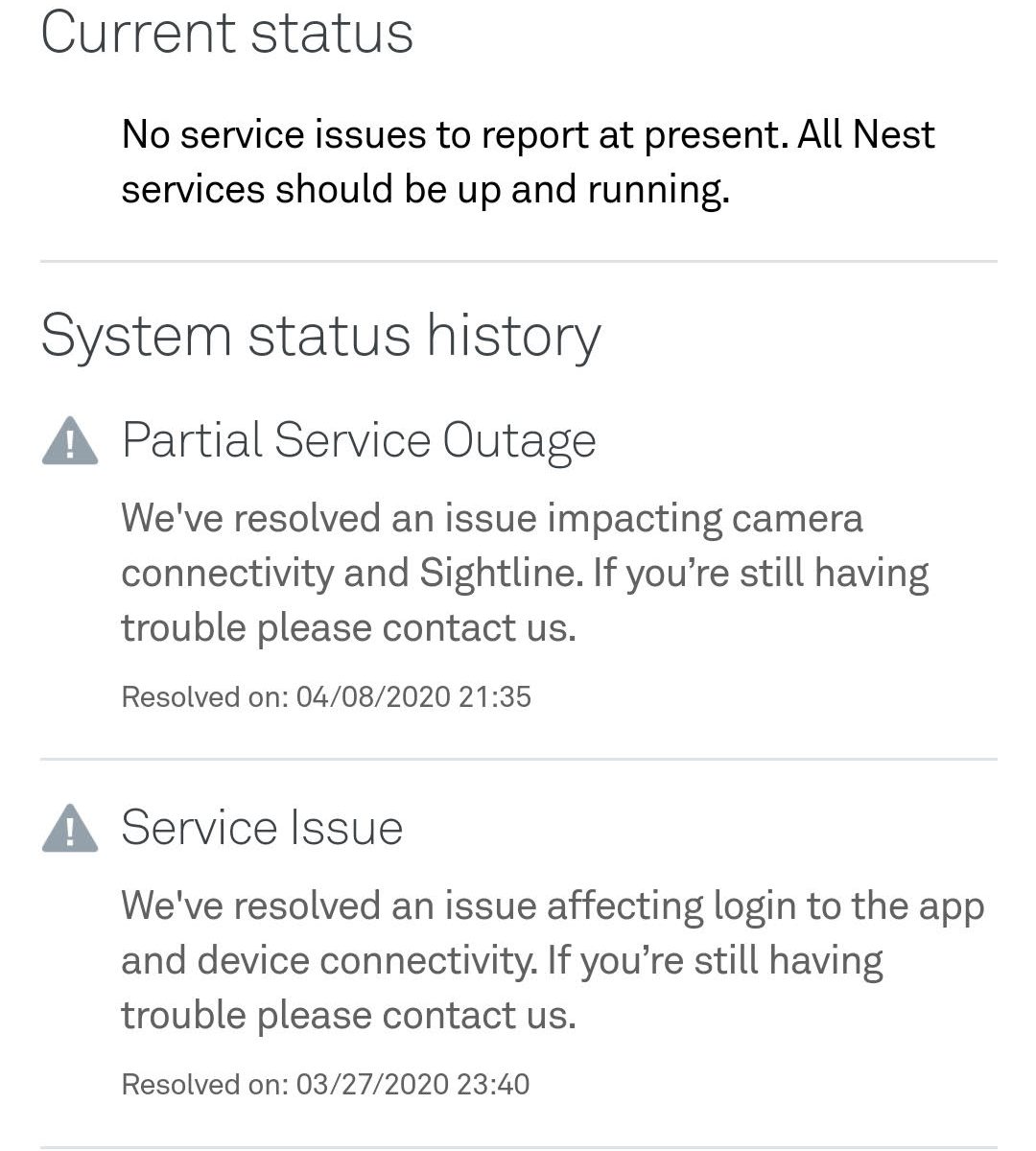
I recently was spending some time away from home (6 weeks) when suddenly and without warning all of the Google home devices stopped operating – including the video doorbell. The ‘Home’ I had set up on the Google Home App disappeared and I was unable to obtain any access to the system from my mobile phone. The Internet connection was tested and the devices rebooted but to no avail. I was unable to make any progress remotely and had to wait until I returned home to try to solve the problem. I was hoping that on my return and re-connection to the original WiFi router that the system would reset itself but this did not happen. The only way I could resolve the issue was to start from scratch – set up the original ‘Home’ and then one at a time individually reconnect all of the devices – including the video doorbell which involved re-scanning the original QR code – take care to keep this safe! Once I had reconnected I found messages from Google stating that there had been 2 system ‘outages’ on two consecutive days. It stated that the problems had now been resolved.
My main concern about this situation is that the doorbell was bought as a security device so that we could see people visiting our front door whilst we were away from home. Clearly we would like to have a way of resuming the alert and image recording facilities without having to return to the premises. In spite of research I have not yet resolved this issue. At present Google phone support is not available.
Below are a couple of screen shots I took. First this one …
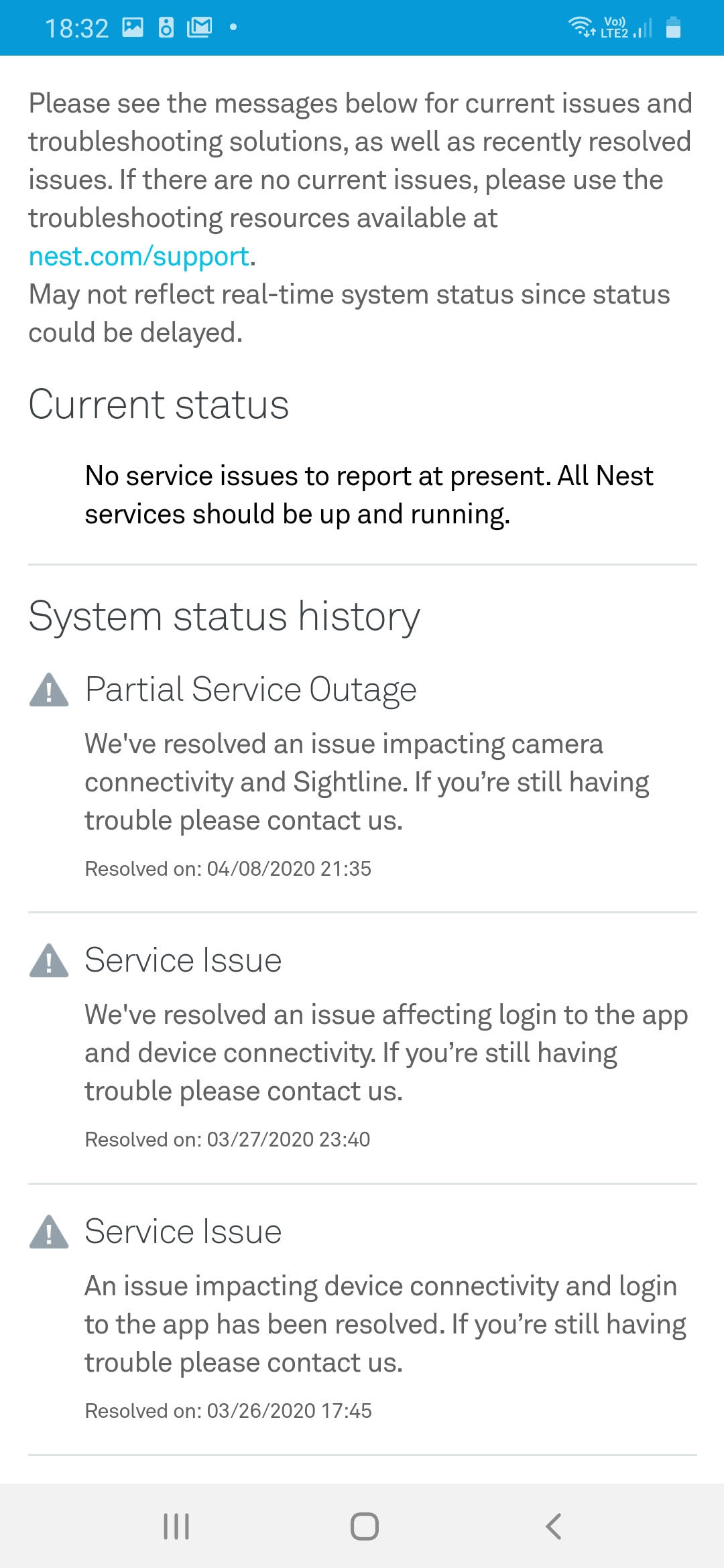
… and this one.
